
How to Speed Up Elementor Pro Website (2026): Complete Performance Optimization Guide
Speed Up Elementor Pro Website: Website speed directly affects SEO, user experience, conversion rates, and search engine rankings. While Elementor Pro provides powerful design capabilities, poor optimization can result in slower page loading times.
The good news is that most performance issues are caused by configuration, hosting, oversized media, and unnecessary plugins—not Elementor Pro itself.
This guide explains practical techniques that can help improve loading speed while maintaining a professional design.
Why Elementor Websites Become Slow
Several factors can impact performance:
- Low-quality hosting
- Too many plugins
- Large images
- Excessive animations
- Multiple Elementor addon packs
- Poor caching configuration
- Unoptimized fonts
- Heavy third-party scripts
Identifying these bottlenecks is the first step toward a faster website.
Speed Up Elementor Pro Website:
1. Choose High-Performance Hosting
Hosting has one of the biggest impacts on website speed.
Look for providers that offer:
- Fast SSD or NVMe storage
- Modern PHP versions
- HTTP/2 or HTTP/3 support
- Server-side caching
- Adequate CPU and RAM resources
- Reliable uptime
Even a well-designed website can feel slow on underpowered hosting.
2. Use a Lightweight Theme
Pair Elementor Pro with a theme designed for performance.
Characteristics of a good theme include:
- Minimal code
- Fast loading
- Good compatibility with Elementor
- Regular updates
Avoid feature-heavy themes if you don’t need their additional functionality.
3. Optimize Images
Images are one of the most common causes of slow websites.
Best practices:
- Resize images before uploading.
- Compress images without excessive quality loss.
- Use modern formats such as WebP where supported.
- Avoid uploading images larger than necessary.
- Enable lazy loading when appropriate.
4. Enable Caching
Caching reduces the amount of work required to generate pages for visitors.
Common caching methods include:
- Page caching
- Browser caching
- Object caching (where supported)
Always clear caches after making significant design changes to ensure visitors see the latest version of your site. Speed Up Elementor Pro Website
5. Minify CSS and JavaScript
Reducing the size of CSS and JavaScript files can decrease download times.
Optimization may include:
- Minification
- Combining files (when appropriate)
- Removing unused assets
- Deferring non-critical JavaScript
Test your website after enabling these optimizations to ensure functionality remains intact.
6. Reduce Elementor Addons
Many websites install multiple Elementor extension packs that provide overlapping widgets.
Instead:
- Keep only the addons you actively use.
- Remove unused plugins.
- Avoid duplicate functionality.
A lean plugin setup generally improves maintainability and performance.
7. Optimize Fonts
Fonts can influence loading speed.
Recommendations:
- Limit the number of font families.
- Reduce unnecessary font weights.
- Use Global Fonts for consistency.
- Consider hosting fonts locally if appropriate for your setup.
8. Use Containers Instead of Legacy Sections
Elementor’s Container system provides a more modern layout approach.
Benefits include:
- Cleaner HTML structure
- Better Flexbox layouts
- Reduced DOM size
- Easier responsive design
Speed Up Elementor Pro Website For new projects, Containers are generally the preferred layout method.
9. Limit Animations
Animations should enhance the user experience rather than distract from it.
Avoid:
- Animating every section
- Heavy scrolling effects
- Excessive motion on mobile devices
Speed Up Elementor Pro Website Simple, purposeful animations usually provide the best balance between aesthetics and performance.
10. Optimize WooCommerce Pages
If your site uses WooCommerce:
- Keep product pages uncluttered.
- Optimize product images.
- Review cart and checkout performance.
- Remove unnecessary widgets from shop pages.
A streamlined shopping experience benefits both users and performance.
11. Improve Core Web Vitals
Core Web Vitals measure important aspects of user experience.
Focus on:
- Fast loading content
- Stable page layouts
- Responsive interactions
Improving these metrics often requires attention to images, fonts, scripts, and overall page structure rather than a single setting.
12. Regular Maintenance
Maintain your website by:
- Updating WordPress
- Updating Elementor Free and Pro
- Updating themes
- Removing unused plugins
- Cleaning unused templates
- Reviewing performance after major changes
Speed Up Elementor Pro Website Routine maintenance helps prevent gradual performance degradation.
Common Speed Mistakes
- Uploading oversized images
- Installing too many Elementor addons
- Using too many custom fonts
- Adding unnecessary animations
- Ignoring caching
- Running outdated PHP versions
- Leaving unused plugins installed
- Testing only on desktop
Speed Up Elementor Pro Website Performance Checklist
| Task | Status |
|---|---|
| Fast Hosting | ✅ |
| Lightweight Theme | ✅ |
| Optimized Images | ✅ |
| Containers Enabled | ✅ |
| Global Fonts | ✅ |
| Global Colors | ✅ |
| Caching Enabled | ✅ |
| Limited Addons | ✅ |
| Mobile Optimization | ✅ |
| Regular Updates | ✅ |
Best Practices
- Keep your design clean and simple.
- Optimize every uploaded image.
- Use reusable templates instead of duplicating layouts.
- Audit plugins periodically.
- Test speed after significant design updates.
- Monitor Core Web Vitals and loading performance over time.

Frequently Asked Questions
Does Elementor Pro make websites slow?
Not necessarily. Performance depends on hosting, optimization, images, themes, and plugins. Elementor Pro can perform well when configured properly.
Should I use multiple Elementor addon plugins?
Only if you genuinely need their features. Installing multiple addon packs can increase complexity and affect performance.
Are Containers faster than legacy Sections?
Containers generally produce a cleaner layout structure and are recommended for new Elementor projects.
Do images affect Elementor speed?
Yes. Large, uncompressed images are one of the most common reasons for slow page loads.
How often should I optimize my website?
Review performance regularly, especially after installing new plugins, changing themes, or publishing image-heavy content.
Conclusion
A fast Elementor Pro website is the result of good overall optimization rather than a single performance tweak. Reliable hosting, optimized images, a lightweight theme, efficient layouts, and regular maintenance work together to deliver a better experience for visitors.
By following these best practices, you can build websites that load quickly, perform well across devices, and support long-term SEO and user satisfaction.
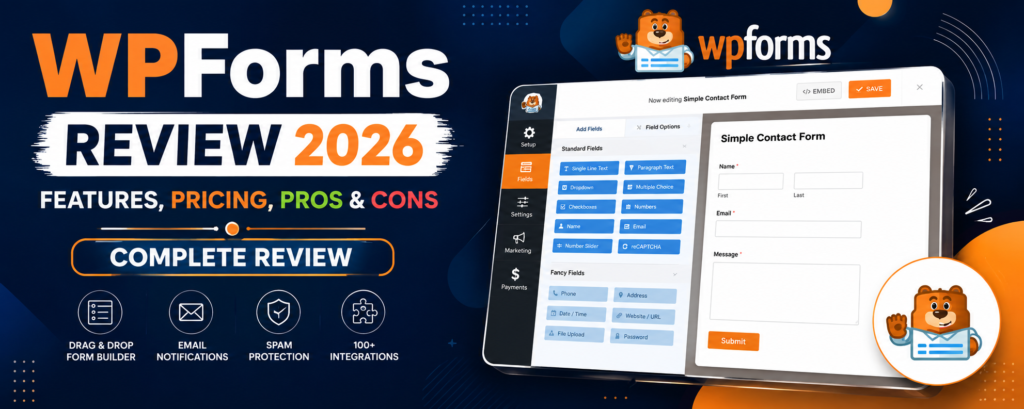
WPForms Review 2026 – Features, Pricing, Pros & Cons & Complete Review
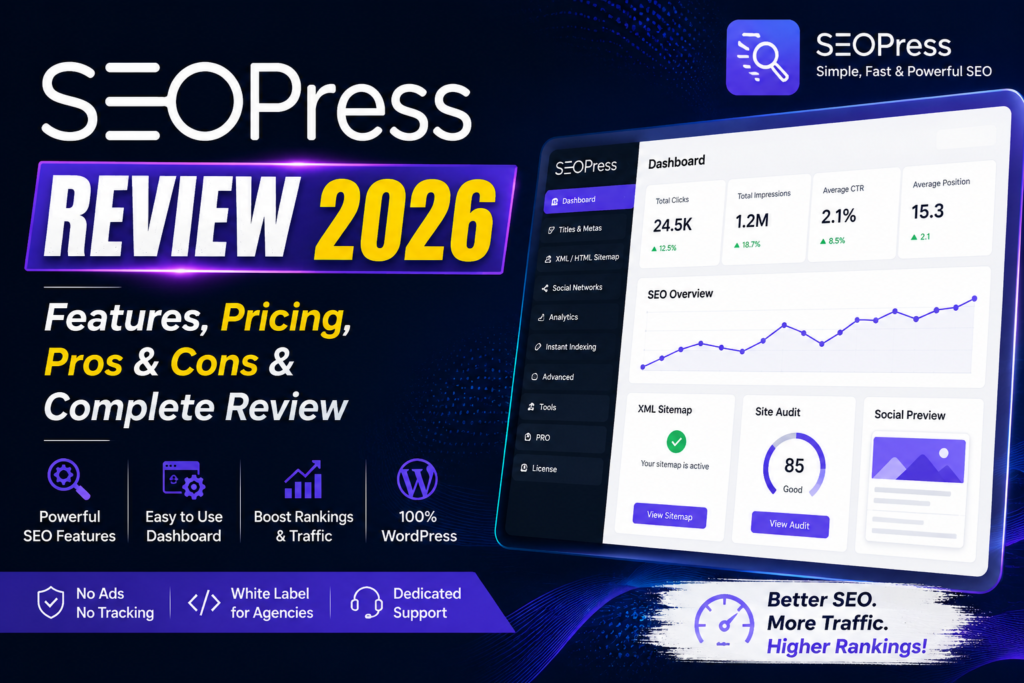
SEOPress Review 2026 – Features, Pricing, Pros & Cons & Complete Review

All in One SEO Review 2026 – Features, Pricing, Pros & Cons & Complete Review

Yoast SEO Review 2026 – Features, Pricing, Pros & Cons & Complete Review
WPForms Review 2026 – Features, Pricing, Pros & Cons & Complete Review
SEOPress Review 2026 – Features, Pricing, Pros & Cons & Complete Review
All in One SEO Review 2026 – Features, Pricing, Pros & Cons & Complete Review