
WP Rocket Review 2026 – Is It Still the Best WordPress Caching Plugin?
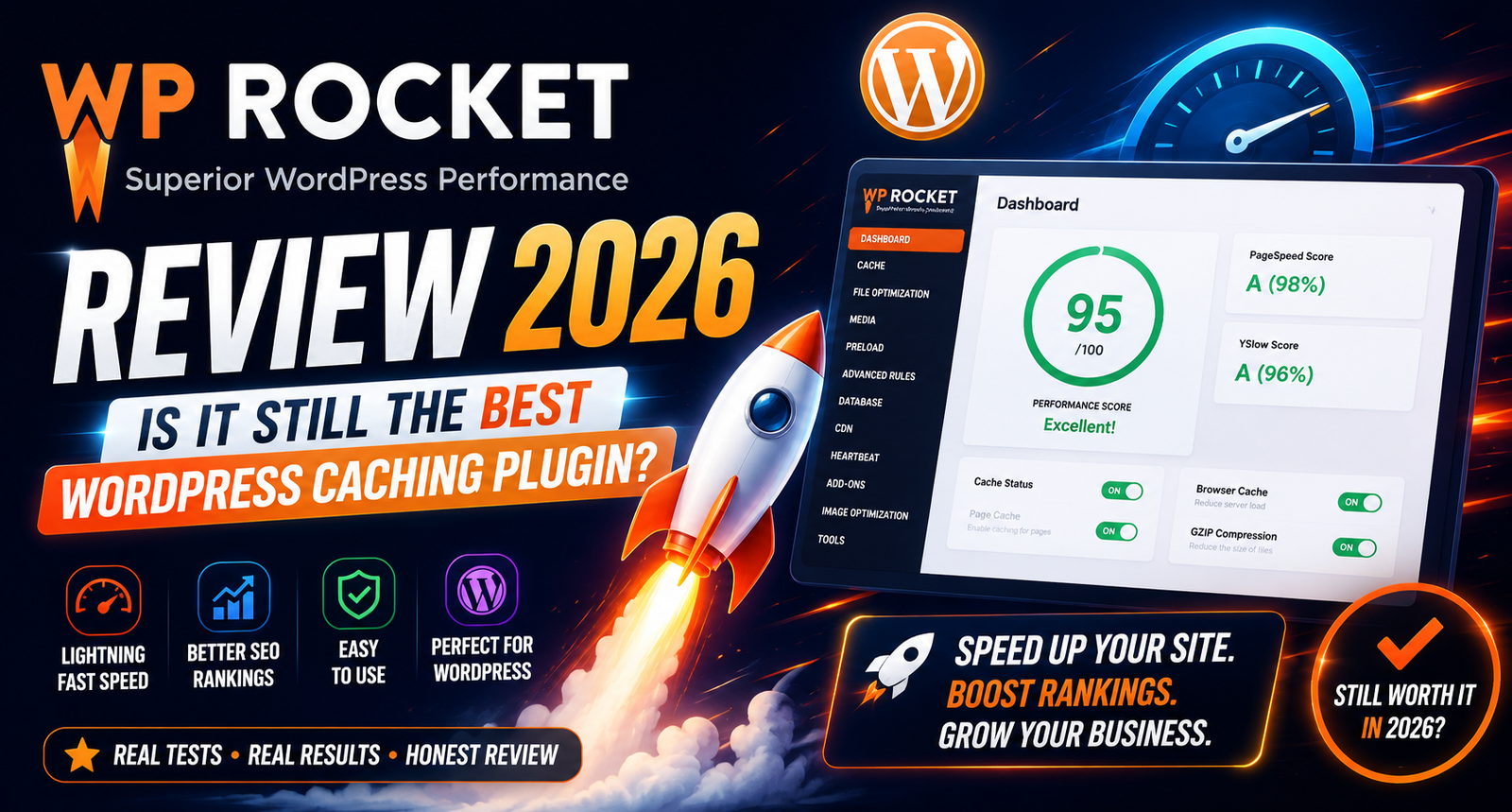
WP Rocket Review 2026
Website speed has become one of the biggest ranking factors for WordPress websites. A slow-loading website affects user experience, increases bounce rates, and can reduce conversions. That’s why caching plugins have become an essential part of every WordPress website.
Among all premium caching plugins, WP Rocket has consistently remained one of the most popular choices. It promises faster page loading, improved Core Web Vitals, automatic optimization, and an easy setup process without requiring advanced technical knowledge.
But with newer competitors such as FlyingPress, LiteSpeed Cache, and Perfmatters gaining popularity, many users wonder whether WP Rocket is still worth purchasing in 2026.
In this review, we’ll examine WP Rocket’s features, performance, pricing, ease of use, advantages, disadvantages, and who should use it.
Quick Overview
| Feature | Details |
|---|---|
| Plugin Type | Premium Cache & Performance Plugin |
| Best For | Blogs, Business Sites, WooCommerce Stores |
| Free Version | ❌ No |
| Starting Price | Premium License |
| Beginner Friendly | ✅ Yes |
| Core Web Vitals | Excellent |
| CDN Support | Yes |
| Lazy Loading | Yes |
| Database Cleanup | Yes |
| Minification | Yes |
| Delay JavaScript | Yes |
What is WP Rocket?
WP Rocket is a premium WordPress performance optimization plugin designed to improve website loading speed with minimal configuration. Unlike many cache plugins that require technical knowledge, WP Rocket automatically applies several best practices immediately after activation.
The plugin combines page caching, browser caching, GZIP compression, CSS and JavaScript optimization, lazy loading, database cleanup, and preload features into a single interface.
This simplicity has made it one of the most recommended premium WordPress performance plugins among agencies, bloggers, and businesses.
Key Features
1. Page Caching
WP Rocket creates static HTML versions of your pages so visitors receive pre-generated content instead of dynamic database queries.
Benefits include:
- Faster page loading
- Reduced server load
- Better scalability
- Improved user experience
2. Cache Preloading
Instead of waiting for visitors to generate cached pages, WP Rocket automatically preloads the cache after updates.
Advantages:
- Better first-visit performance
- Consistent loading speed
- Faster indexing by search engines
3. GZIP Compression
WP Rocket enables GZIP compression, reducing the size of files sent from your server to visitors’ browsers.
This can significantly decrease page load times, especially on slower internet connections.
4. CSS Optimization
The plugin can:
- Minify CSS
- Remove unused CSS (where appropriate)
- Optimize CSS delivery
These features help reduce render-blocking resources and improve Core Web Vitals metrics such as Largest Contentful Paint (LCP).
5. JavaScript Optimization
WP Rocket offers several JavaScript optimization options:
- Minify JavaScript
- Delay JavaScript execution
- Defer JavaScript loading
These options can improve performance scores while maintaining website functionality when configured correctly.
6. Lazy Loading
Images, videos, and iframes are loaded only when users scroll near them.
Benefits include:
- Reduced initial page size
- Faster first paint
- Improved mobile performance
7. Database Optimization
WP Rocket includes tools to clean:
- Post revisions
- Spam comments
- Trashed posts
- Expired transients
- Database overhead
Regular database maintenance can help keep WordPress running efficiently.
8. CDN Integration
The plugin integrates easily with popular CDN providers, allowing static assets to be served from geographically distributed servers for faster global performance.
Performance
WP Rocket is designed to improve:
- First Contentful Paint (FCP)
- Largest Contentful Paint (LCP)
- Interaction to Next Paint (INP)
- Cumulative Layout Shift (CLS)
Actual results depend on your hosting, theme, plugins, and website configuration, but users commonly report noticeable improvements after proper setup.
Ease of Use
One of WP Rocket’s biggest strengths is its beginner-friendly interface.
Most optimization features work immediately after activation, while advanced users can fine-tune settings for specific needs.
This balance between simplicity and flexibility makes it suitable for a wide range of WordPress users.
Pros
- Very easy to set up
- Comprehensive performance features
- Clean and intuitive interface
- Good documentation
- Regular updates
- Strong compatibility with popular themes and plugins
Cons
- No free version
- Premium pricing may not suit every budget
- Some advanced optimizations may require testing to avoid compatibility issues
Who Should Use WP Rocket?
WP Rocket is well-suited for:
- Bloggers
- Business websites
- WooCommerce stores
- Agencies
- Freelancers
- Content creators
- Affiliate marketers
If your goal is to improve website speed without spending time on complex configurations, WP Rocket is a strong option.
Alternatives
If you’re comparing options, you may also consider:
- FlyingPress
- LiteSpeed Cache
- Perfmatters
- NitroPack
- W3 Total Cache
Each plugin has different strengths depending on your hosting environment and optimization goals.
Frequently Asked Questions
Is WP Rocket worth buying in 2026?
For many WordPress users seeking a simple, premium performance solution, WP Rocket remains a solid choice thanks to its ease of use and comprehensive optimization features.
Does WP Rocket work with WooCommerce?
Yes. It includes features designed to work well with WooCommerce while respecting dynamic cart and checkout pages.
Is there a free version?
No. WP Rocket is available as a premium plugin only.
Can beginners use WP Rocket?
Yes. Its default settings are designed to provide meaningful performance improvements with minimal configuration.
Final Verdict
WP Rocket continues to be one of the strongest premium caching plugins for WordPress in 2026. Its combination of automatic optimization, user-friendly interface, and wide compatibility makes it appealing to beginners and professionals alike.
While alternatives such as LiteSpeed Cache, FlyingPress, and Perfmatters may be better fits for some hosting setups or advanced users, WP Rocket remains a dependable choice for anyone looking to improve WordPress performance with minimal effort.
WPForms Review 2026 – Features, Pricing, Pros & Cons & Complete Review
SEOPress Review 2026 – Features, Pricing, Pros & Cons & Complete Review

All in One SEO Review 2026 – Features, Pricing, Pros & Cons & Complete Review
Yoast SEO Review 2026 – Features, Pricing, Pros & Cons & Complete Review
WPForms Review 2026 – Features, Pricing, Pros & Cons & Complete Review
SEOPress Review 2026 – Features, Pricing, Pros & Cons & Complete Review
All in One SEO Review 2026 – Features, Pricing, Pros & Cons & Complete Review