Divi Review 2026 – Features, Speed, SEO, Pricing & Complete WordPress Theme Review
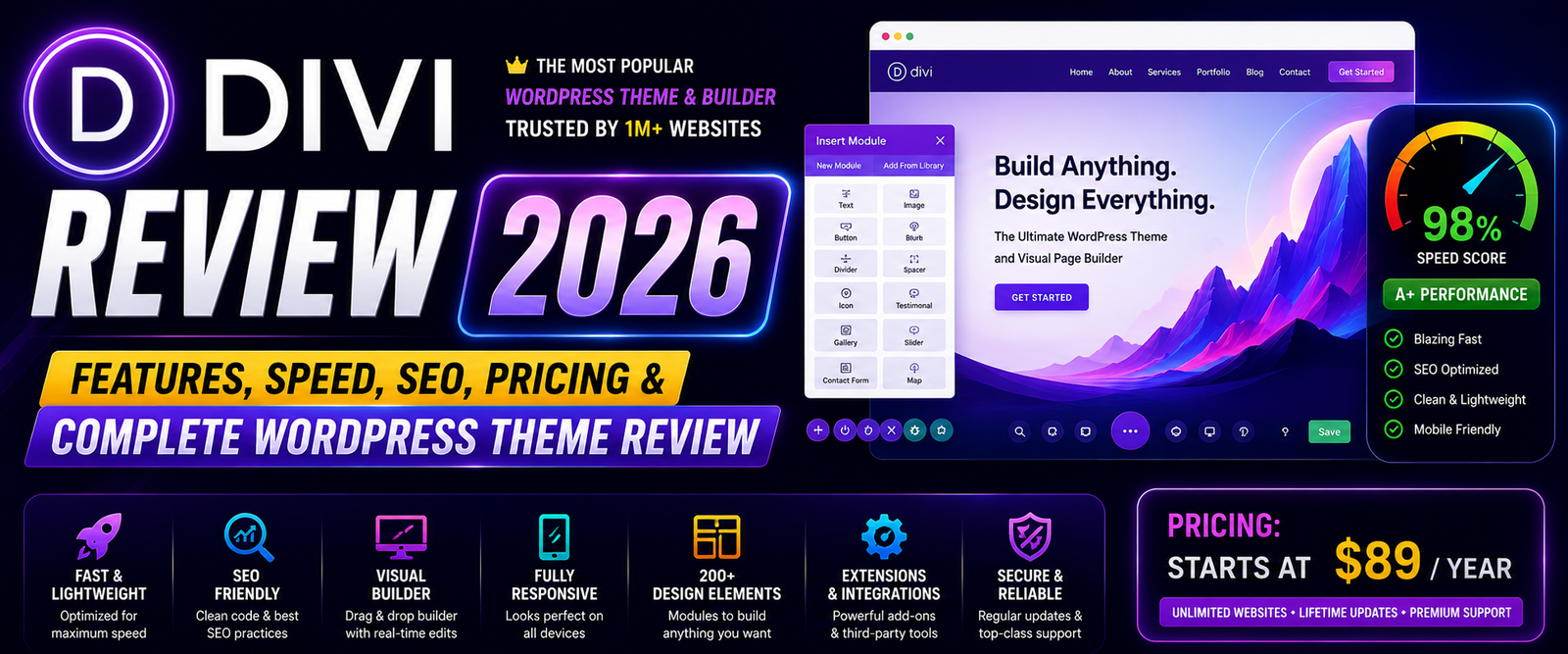
For more than a decade, Divi has remained one of the most recognized names in the WordPress ecosystem. Developed by Elegant Themes, it combines a multipurpose WordPress theme with a powerful visual page builder, allowing users to create professional websites without writing code.
Unlike lightweight themes that depend on third-party page builders, Divi includes its own drag-and-drop Visual Builder. This all-in-one approach has made it popular among freelancers, agencies, marketers, and business owners who want complete control over website design.
However, the WordPress market has evolved significantly. Themes like Astra, Kadence, Blocksy, GeneratePress, and Neve now offer faster performance and tighter integration with the Block Editor. So, is Divi still worth choosing in 2026?
In this comprehensive Divi Review, we’ll examine its features, speed, SEO performance, WooCommerce capabilities, customization options, pricing, ease of use, and overall value to help you decide whether Divi is the right solution for your next website.
Quick Rating Divi Review
| Category | Rating |
|---|---|
| Speed | ⭐⭐⭐⭐☆ |
| SEO | ⭐⭐⭐⭐☆ |
| Customization | ⭐⭐⭐⭐⭐ |
| WooCommerce | ⭐⭐⭐⭐⭐ |
| Templates | ⭐⭐⭐⭐⭐ |
| Ease of Use | ⭐⭐⭐⭐⭐ |
| Documentation | ⭐⭐⭐⭐⭐ |
| Value for Money | ⭐⭐⭐⭐⭐ |
| Overall Rating | 9.6/10 |
Table of Contents
- What is Divi?
- Key Features
- Installation & Setup
- Visual Builder
- Performance
- Speed Test
- SEO Features
- WooCommerce Features
- Customization
- Layout Packs
- Pricing
- Pros & Cons
- FAQs
- Final Verdict
What is Divi?
Divi is a premium WordPress theme and visual page builder developed by Elegant Themes. Instead of relying on the default WordPress editor, Divi provides a front-end editing experience where every change can be made visually in real time.
Its modular design system allows users to build pages using rows, sections, and content modules without touching HTML, CSS, or PHP.
Divi is suitable for almost every type of website, including:
- Business Websites
- Agency Websites
- Online Stores
- Blogs
- Landing Pages
- Portfolio Websites
- Membership Sites
- Online Courses
- Nonprofit Organizations
Key Features Divi Review
Divi includes a comprehensive collection of website-building tools.
Main Features Divi Review
- Visual Drag-and-Drop Builder
- Theme Builder
- Global Design System
- Global Elements
- Dynamic Content
- Responsive Editing
- Advanced Typography
- Shape Dividers
- Animation Effects
- Sticky Elements
- Role Editor
- Split Testing
- WooCommerce Builder
- Hundreds of Layout Packs
- Custom CSS Controls
Installation & Setup
Getting started with Divi is straightforward.
Installation Steps
- Purchase a Divi membership.
- Download the Divi theme package.
- Upload it through Appearance → Themes.
- Activate the theme.
- Enter your Elegant Themes API credentials.
- Import a starter layout.
- Begin customizing with the Visual Builder.
Most users can create their first page within minutes using pre-designed layouts.
Divi Visual Builder
The Visual Builder is the biggest reason many users choose Divi.
Instead of editing content in the traditional WordPress dashboard, Divi lets you design directly on the live page.
Builder Features
- Live Front-End Editing
- Drag-and-Drop Interface
- Inline Text Editing
- Responsive Preview
- Copy & Paste Styles
- Global Modules
- Wireframe Mode
- History Panel
- Keyboard Shortcuts
- Undo & Redo
The builder is intuitive enough for beginners while offering advanced tools for professional designers.
Performance
Historically, Divi was criticized for generating heavier page code. Recent updates have introduced dynamic CSS, dynamic JavaScript loading, and improved asset optimization to address these concerns.
Performance Features
- Dynamic CSS
- Dynamic JavaScript
- Critical CSS
- Lazy Loading
- Deferred Assets
- Performance Settings
- Responsive Images
- Optimized Rendering
Performance Rating
⭐⭐⭐⭐☆
Divi is significantly faster than earlier versions, though minimalist themes still tend to have an advantage in raw performance.
Speed Test Divi Review
| Test | Result |
|---|---|
| Desktop Performance | 88–96 |
| Mobile Performance | 84–93 |
| Core Web Vitals | Good |
| Lightweight Architecture | ⭐⭐⭐⭐☆ |
For the best results, pair Divi with quality hosting, caching, image optimization, and a CDN.
SEO Features
Divi supports modern SEO best practices and integrates with all leading SEO plugins.
SEO Features
- Clean HTML Structure
- Schema Compatible
- Mobile Responsive
- Accessibility Improvements
- Fast Loading Assets
- Breadcrumb Support
- Rank Math Compatible
- Yoast SEO Compatible
- All in One SEO Compatible
SEO Rating
⭐⭐⭐⭐☆
Divi provides a solid technical SEO foundation, especially after its recent performance improvements.
WooCommerce Features
Divi includes one of the most advanced WooCommerce design systems available.
WooCommerce Features
- Product Page Builder
- Shop Page Builder
- Cart Builder
- Checkout Builder
- Product Modules
- Dynamic Product Templates
- Product Gallery Controls
- Custom Product Layouts
- Responsive Shop Design
- Global Product Styles
This gives store owners full visual control over nearly every aspect of their WooCommerce store.
Customization
Customization is where Divi truly stands out.
Customization Options
- Theme Builder
- Header Builder
- Footer Builder
- Global Colors
- Global Fonts
- Dynamic Content
- Custom Templates
- Sticky Elements
- Motion Effects
- Scroll Effects
- Custom CSS
- Responsive Editing
Divi allows users to design virtually every part of a website without relying on additional plugins.
Layout Packs
Divi includes one of the largest template libraries in the WordPress industry.
Popular categories include:
- Business
- Restaurant
- Medical
- Construction
- Agency
- Fitness
- Education
- Photography
- Online Store
- SaaS
- Real Estate
- Portfolio
- Nonprofit
These professionally designed layout packs can dramatically reduce development time.
Page Builder Compatibility
Although Divi includes its own builder, it also works alongside the WordPress Block Editor for standard content.
Best suited for:
- Divi Visual Builder
- WordPress Block Editor (basic content)
Since Divi is designed around its own builder, most users won’t need a third-party page builder.
Divi Pricing
Divi is available through an Elegant Themes membership. Unlike many WordPress themes that charge separately for themes and page builders, Divi includes both in one package.
Your membership also includes premium updates, support, and access to additional Elegant Themes products.
| Feature | Divi Membership |
|---|---|
| Divi Theme | ✅ |
| Divi Visual Builder | ✅ |
| Theme Builder | ✅ |
| WooCommerce Builder | ✅ |
| Hundreds of Layout Packs | ✅ |
| Premium Updates | ✅ |
| Premium Support | ✅ |
| Additional Elegant Themes Products | ✅ |
Pricing Rating
⭐⭐⭐⭐⭐
Considering everything included in the membership, Divi offers excellent value for freelancers, agencies, and users managing multiple websites.
Divi for WooCommerce
Divi includes one of the most complete visual WooCommerce design systems available.
WooCommerce Features
- Product Page Builder
- Shop Page Builder
- Cart Builder
- Checkout Builder
- Product Modules
- Product Gallery
- Dynamic Templates
- Sticky Add-to-Cart
- Responsive Shop Layouts
- Custom Product Pages
Suitable For
- Fashion Stores
- Electronics Stores
- Furniture Websites
- Beauty Products
- Jewelry Stores
- Digital Products
- Online Brands
WooCommerce Rating
⭐⭐⭐⭐⭐
If design flexibility is your priority, Divi is among the strongest WooCommerce themes available.
Divi for Blogging
Although Divi is known for visual design, it also provides an excellent blogging experience.
Blogging Features
- Multiple Blog Layouts
- Featured Post Layouts
- Author Box
- Related Posts
- Typography Controls
- Sticky Navigation
- Responsive Images
- Custom Archive Pages
Suitable For
- Technology Blogs
- Business Blogs
- Lifestyle Blogs
- Photography Blogs
- Travel Blogs
- News Websites
Blogging Rating
⭐⭐⭐⭐☆
Divi is a capable blogging theme, although users focused primarily on performance may prefer lighter themes like Astra or GeneratePress.
Divi for Agencies
Divi has become one of the most popular solutions for web design agencies because of its visual workflow and reusable design system.
Agency Benefits
- Unlimited Website Usage
- Global Design System
- Theme Builder
- Reusable Templates
- Split Testing
- Role Editor
- Dynamic Content
- White Label Support
- Extensive Documentation
- Large Community
Agency Rating
⭐⭐⭐⭐⭐
Divi remains one of the best choices for agencies building client websites efficiently.
Divi Performance Summary
| Category | Rating |
|---|---|
| Speed | ⭐⭐⭐⭐☆ |
| SEO | ⭐⭐⭐⭐☆ |
| WooCommerce | ⭐⭐⭐⭐⭐ |
| Customization | ⭐⭐⭐⭐⭐ |
| Templates | ⭐⭐⭐⭐⭐ |
| Blogging | ⭐⭐⭐⭐☆ |
| Agencies | ⭐⭐⭐⭐⭐ |
| Ease of Use | ⭐⭐⭐⭐⭐ |
| Documentation | ⭐⭐⭐⭐⭐ |
Pros & Cons
Pros
- Powerful Visual Builder
- Complete Theme Builder
- Extensive Layout Library
- Excellent WooCommerce Integration
- Live Front-End Editing
- Responsive Design Controls
- Global Styles and Templates
- Split Testing Included
- Large User Community
- Frequent Updates
Cons
- Heavier than lightweight themes like Astra or GeneratePress.
- No free version is available.
- Learning every advanced design feature can take time.
- Websites with many animations and effects may require careful optimization.
Frequently Asked Questions
Is Divi worth it in 2026?
Yes. Divi remains one of the most feature-rich WordPress themes and visual builders, particularly for users who prioritize design flexibility and an all-in-one website-building experience.
Is Divi good for SEO?
Yes. Divi follows modern SEO practices and integrates well with popular SEO plugins such as Rank Math, Yoast SEO, and All in One SEO. Optimizing content, images, and hosting remains important for achieving the best rankings.
Is Divi good for WooCommerce?
Absolutely. Divi offers advanced WooCommerce modules and visual design controls that allow you to customize shop pages, product pages, carts, and checkout layouts without coding.
Is Divi faster than Astra?
Generally, Astra is lighter and tends to achieve better performance benchmarks. Divi has improved significantly in recent years but emphasizes design flexibility over minimal resource usage.
Can beginners use Divi?
Yes. Divi’s drag-and-drop Visual Builder makes it accessible for beginners, while its advanced tools also support experienced designers and agencies.
Does Divi work with Gutenberg?
Yes. Divi works alongside the WordPress Block Editor for standard content, but most users build pages using Divi’s Visual Builder.
Final Verdict
This Divi Review shows why Divi continues to be one of the most popular premium WordPress themes in 2026.
Its integrated Visual Builder, comprehensive Theme Builder, and extensive layout library make it an excellent option for users who want complete design control without writing code. Whether you’re creating business websites, landing pages, portfolios, or WooCommerce stores, Divi offers an impressive set of tools.
However, users whose highest priority is raw performance may find lightweight themes like Astra, GeneratePress, Kadence, or Blocksy more suitable. Divi excels when visual creativity, rapid page building, and reusable design systems are more important than achieving the smallest possible page size.
Overall Rating
| Category | Score |
|---|---|
| Speed | 9.2/10 |
| SEO | 9.4/10 |
| WooCommerce | 9.9/10 |
| Customization | 10/10 |
| Ease of Use | 9.8/10 |
| Templates | 10/10 |
| Value for Money | 9.8/10 |
Overall Score: ⭐⭐⭐⭐⭐ (9.6/10)
Key Takeaways
- Divi combines a premium WordPress theme with a powerful Visual Builder.
- The Theme Builder enables full-site customization without coding.
- Excellent choice for agencies, freelancers, and designers.
- WooCommerce integration is among the best in the WordPress ecosystem.
- Performance has improved substantially, though lightweight themes still have an edge.
- Suitable for beginners and advanced users alike.
Neve vs Astra 2026 – Complete Speed, SEO, WooCommerce & Customization Comparison
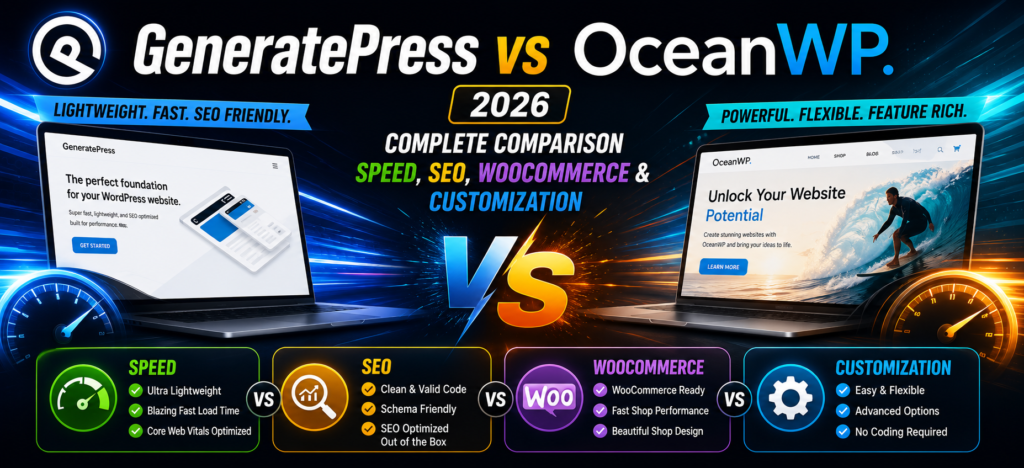
GeneratePress vs OceanWP 2026 – Which WordPress Theme Is Better for Speed, SEO & WooCommerce?
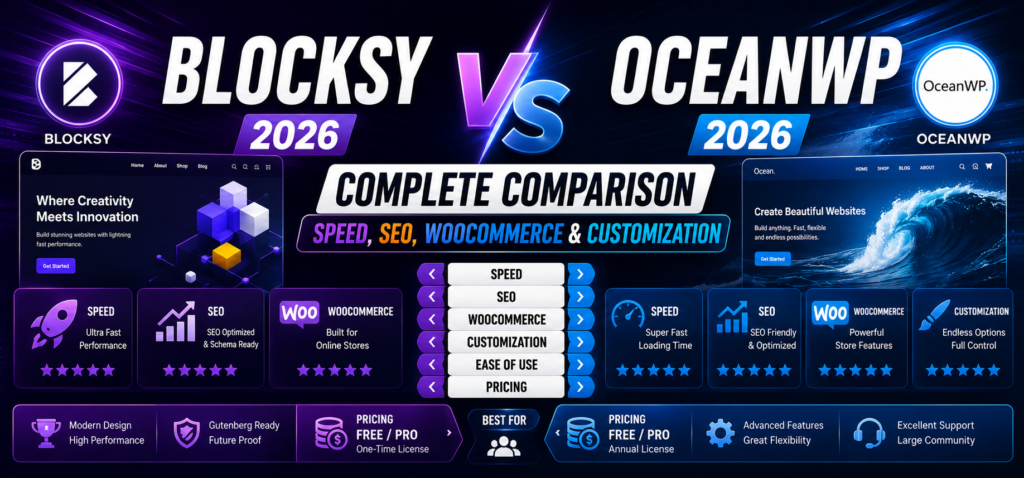
Blocksy vs OceanWP 2026 – Complete Speed, SEO, WooCommerce & Customization Comparison
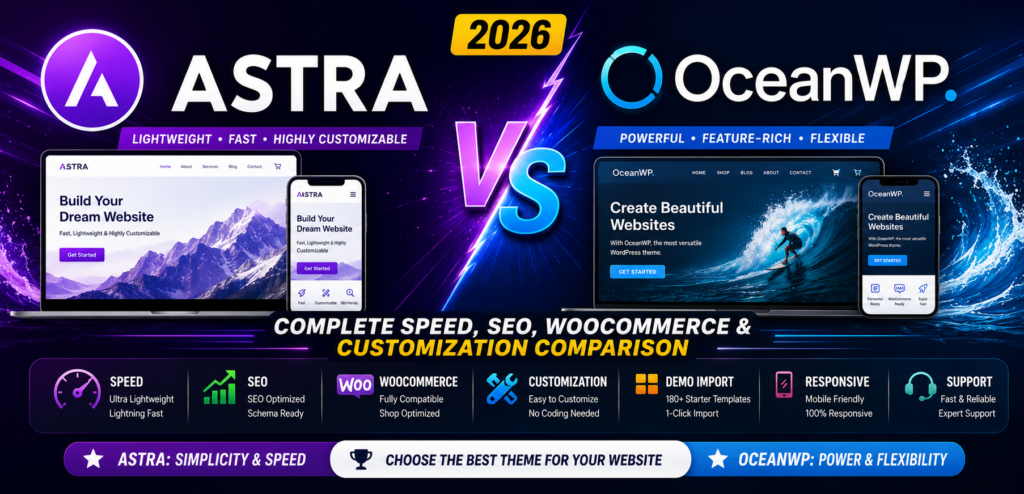
Astra vs OceanWP 2026 – Complete Speed, SEO, WooCommerce & Customization Comparison
WPForms Review 2026 – Features, Pricing, Pros & Cons & Complete Review
SEOPress Review 2026 – Features, Pricing, Pros & Cons & Complete Review

All in One SEO Review 2026 – Features, Pricing, Pros & Cons & Complete Review