
NitroPack Review 2026 – Features, Pricing, Performance & Complete Review
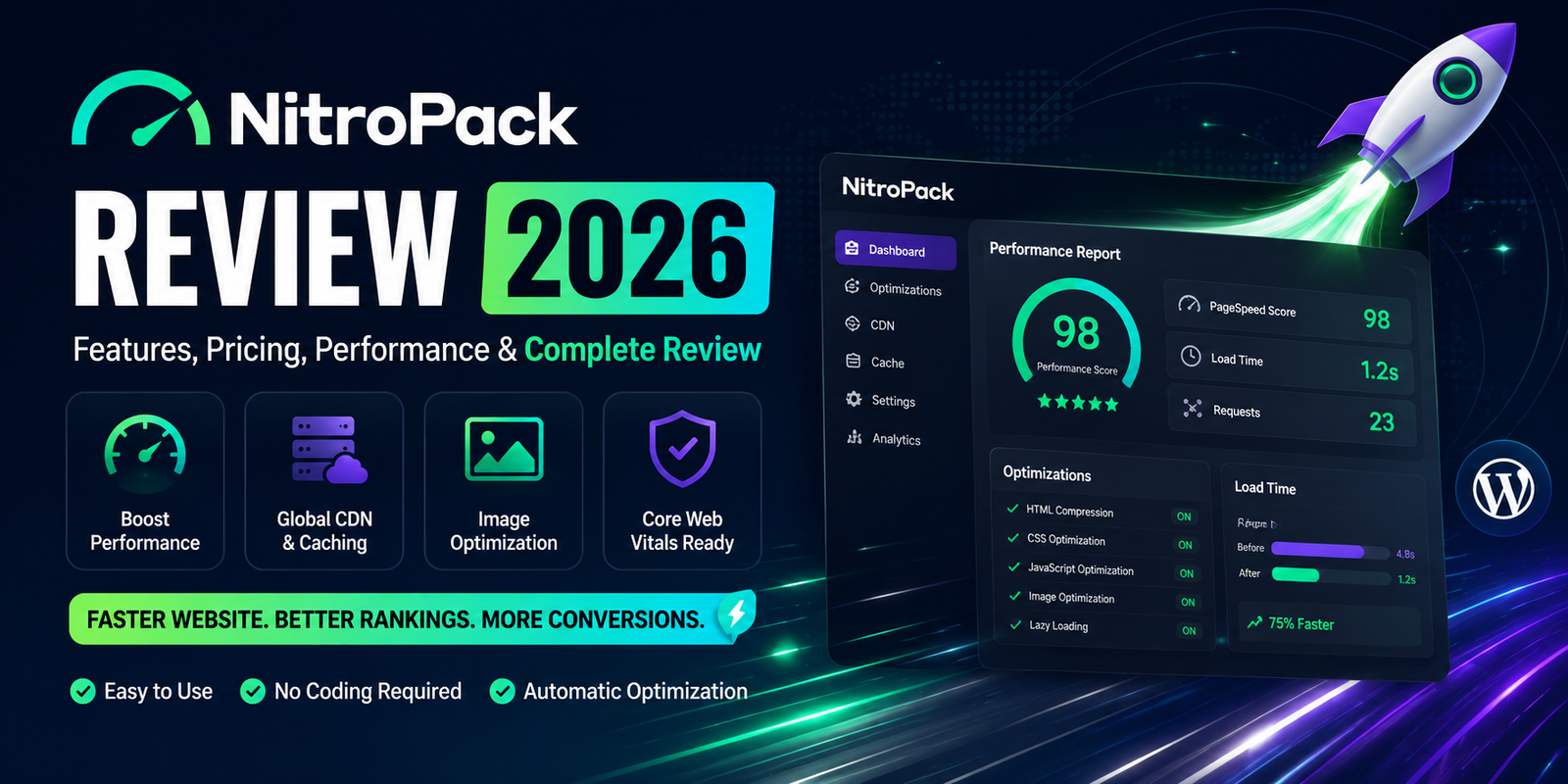
Website performance is more important than ever in 2026. Faster websites improve user experience, reduce bounce rates, increase conversions, and help achieve better search engine rankings. While traditional caching plugins require users to configure multiple settings, NitroPack takes a different approach by offering an all-in-one cloud-based optimization platform.
NitroPack combines caching, image optimization, CDN, code optimization, lazy loading, and performance enhancements into a single service. Its goal is simple: help website owners improve loading speed and Core Web Vitals with minimal manual configuration.
In this NitroPack Review 2026, we’ll examine its features, performance, pricing, ease of use, and whether it’s the right solution for WordPress users.
What is NitroPack?
NitroPack is a cloud-based website performance optimization platform that integrates with WordPress and several other CMS platforms. Unlike most WordPress plugins, much of the optimization is handled on NitroPack’s cloud infrastructure.
It includes multiple optimization technologies in one package, including:
- Full-page caching
- Global CDN
- Image optimization
- WebP and AVIF image delivery
- CSS & JavaScript optimization
- Lazy loading
- Font optimization
- Automatic cache management
Because it combines several services into one platform, users often don’t need multiple optimization plugins.
Key Features
1. Cloud-Based Full Page Caching
NitroPack caches your website using its cloud infrastructure, helping reduce server load and deliver cached pages quickly to visitors.
Benefits
- Faster loading times
- Reduced server resource usage
- Better handling of traffic spikes
- Automatic cache management
2. Global CDN
NitroPack includes a built-in Content Delivery Network (CDN) that serves static assets from servers closer to visitors.
Advantages include:
- Faster global loading speeds
- Lower latency
- Improved international performance
- Better user experience for worldwide audiences
3. Image Optimization
Images often account for the largest portion of a webpage’s size. NitroPack automatically optimizes images by:
- Compressing files
- Serving next-generation formats like WebP and AVIF (where supported)
- Resizing images for different devices
This helps reduce page weight while maintaining visual quality.
4. CSS & JavaScript Optimization
NitroPack automatically optimizes frontend assets through:
- CSS minification
- JavaScript minification
- Deferred loading
- Code optimization
- Render-blocking resource reduction
These features contribute to improved loading performance and better Core Web Vitals.
5. Lazy Loading
NitroPack supports lazy loading for:
- Images
- Videos
- iFrames
Only media visible in the user’s viewport is loaded initially, reducing the page’s initial weight.
6. Font Optimization
Web fonts can slow down rendering if not configured properly.
NitroPack helps optimize font delivery through:
- Font preloading
- Optimized loading strategies
- Reduced render-blocking requests
7. Automatic Cache Invalidation
Whenever website content changes, NitroPack automatically refreshes the cache, ensuring visitors receive updated pages without requiring manual cache clearing.
8. WooCommerce Optimization
NitroPack supports WooCommerce stores by intelligently handling dynamic pages such as:
- Cart
- Checkout
- My Account
This helps maintain functionality while optimizing the rest of the website for speed.
Performance
NitroPack is designed to improve both synthetic performance scores and real-world user experience.
Its optimization features can contribute to improvements in:
- Largest Contentful Paint (LCP)
- Interaction to Next Paint (INP)
- Cumulative Layout Shift (CLS)
- First Contentful Paint (FCP)
Because much of the optimization is processed through NitroPack’s cloud infrastructure, websites with limited server resources may also benefit from reduced server load.
Ease of Use
One of NitroPack’s strongest advantages is simplicity.
After connecting your website, many optimizations are applied automatically. Users can choose from predefined optimization modes instead of manually configuring dozens of individual settings.
This makes NitroPack particularly attractive for beginners and business owners who want performance improvements without spending time on advanced configuration.
Pricing
NitroPack offers both a limited free plan and premium plans with additional resources and features.
Pricing depends on factors such as:
- Monthly pageviews
- Bandwidth usage
- Number of websites
For the latest pricing and plan details, it’s best to check the official NitroPack website.
Who Should Use NitroPack?
NitroPack is well suited for:
- Bloggers
- Business websites
- WooCommerce stores
- Agencies
- Portfolio websites
- Membership sites
- Website owners who prefer an all-in-one optimization solution
It is especially useful for users who want to avoid managing multiple performance plugins and CDN services separately.
Pros & Cons
Pros
- All-in-one performance optimization platform
- Built-in global CDN
- Automatic image optimization
- WebP & AVIF support
- Excellent Core Web Vitals improvements
- Easy setup with minimal configuration
- WooCommerce compatible
- Automatic cache management
- Beginner-friendly interface
- Cloud-based optimization reduces server workload
Cons
- Free plan has usage limits
- Premium plans can be expensive for high-traffic websites
- Less manual control compared to some traditional optimization plugins
- Performance depends on cloud service availability
- May be more than small websites actually need
NitroPack vs WP Rocket
Both NitroPack and WP Rocket aim to improve WordPress speed, but they use different approaches.
| Feature | NitroPack | WP Rocket |
|---|---|---|
| Free Version | ✅ Limited | ❌ No |
| Page Caching | ✅ | ✅ |
| Built-in CDN | ✅ | ❌ |
| Image Optimization | ✅ | ✅ |
| CSS & JS Optimization | ✅ | ✅ |
| Lazy Loading | ✅ | ✅ |
| Database Cleanup | ❌ | ✅ |
| Ease of Setup | ⭐⭐⭐⭐⭐ | ⭐⭐⭐⭐⭐ |
Choose NitroPack if:
- You want an all-in-one cloud optimization solution.
- You don’t want to configure multiple plugins.
- You need a built-in CDN.
Choose WP Rocket if:
- You prefer a traditional WordPress plugin.
- You want more direct control over optimization settings.
- You already use another CDN provider.
NitroPack vs FlyingPress
FlyingPress is a premium WordPress plugin, while NitroPack is a cloud-based optimization platform.
| Feature | NitroPack | FlyingPress |
|---|---|---|
| Cloud Optimization | ✅ | ❌ |
| Built-in CDN | ✅ | ❌ |
| Page Cache | ✅ | ✅ |
| Image Optimization | ✅ | ✅ |
| Ease of Use | ⭐⭐⭐⭐⭐ | ⭐⭐⭐⭐⭐ |
| Manual Configuration | Low | Medium |
Which One Should You Choose?
- Choose NitroPack if you want a managed, cloud-powered performance solution.
- Choose FlyingPress if you prefer more control and a plugin-based optimization workflow.
Best Alternatives
1. WP Rocket
A premium caching plugin with an excellent balance of simplicity and performance.
2. FlyingPress
A modern optimization plugin focused on Core Web Vitals and real-world speed improvements.
3. LiteSpeed Cache
An excellent free option for websites hosted on LiteSpeed Web Server.
4. Perfmatters
A lightweight plugin focused on removing unnecessary scripts and optimizing frontend assets.
5. W3 Total Cache
A free caching plugin with extensive configuration options for advanced users.
Frequently Asked Questions
Is NitroPack free?
Yes. NitroPack offers a limited free plan, while premium plans provide additional resources and features for larger websites.
Does NitroPack include a CDN?
Yes. One of NitroPack’s key advantages is its built-in global CDN, which helps deliver static assets faster to visitors around the world.
Is NitroPack suitable for WooCommerce?
Yes. It supports WooCommerce and is designed to handle dynamic pages such as the cart and checkout while optimizing the rest of the site.
Does NitroPack improve Core Web Vitals?
NitroPack includes features such as caching, code optimization, image optimization, lazy loading, and CDN delivery that can help improve Core Web Vitals. Results depend on your hosting, theme, third-party scripts, and overall site configuration.
Is NitroPack beginner-friendly?
Yes. NitroPack is one of the easiest performance optimization solutions to configure because many optimizations are applied automatically.
Final Verdict
NitroPack remains one of the most complete website optimization platforms available in 2026. Instead of relying solely on a WordPress plugin, it combines caching, CDN, image optimization, code optimization, and performance enhancements into a single cloud-based solution.
Its biggest strength is simplicity. Website owners who don’t want to spend hours configuring performance settings can benefit from NitroPack’s automated optimization workflow.
However, because it is a managed cloud service, pricing may be higher than traditional WordPress plugins, especially for websites with growing traffic. Users who prefer complete control over optimization settings may also find plugin-based alternatives more suitable.
Overall, NitroPack is an excellent choice for users who value convenience, strong performance, and an all-in-one optimization platform.
Final Ratings
| Category | Rating |
|---|---|
| Features | ⭐⭐⭐⭐⭐ |
| Performance | ⭐⭐⭐⭐⭐ |
| Ease of Use | ⭐⭐⭐⭐⭐ |
| Value for Money | ⭐⭐⭐⭐☆ |
| Documentation | ⭐⭐⭐⭐☆ |
| Support | ⭐⭐⭐⭐☆ |
| Overall Rating | 9.3/10 |
WPForms Review 2026 – Features, Pricing, Pros & Cons & Complete Review
SEOPress Review 2026 – Features, Pricing, Pros & Cons & Complete Review

All in One SEO Review 2026 – Features, Pricing, Pros & Cons & Complete Review

Yoast SEO Review 2026 – Features, Pricing, Pros & Cons & Complete Review
WPForms Review 2026 – Features, Pricing, Pros & Cons & Complete Review
SEOPress Review 2026 – Features, Pricing, Pros & Cons & Complete Review
All in One SEO Review 2026 – Features, Pricing, Pros & Cons & Complete Review