
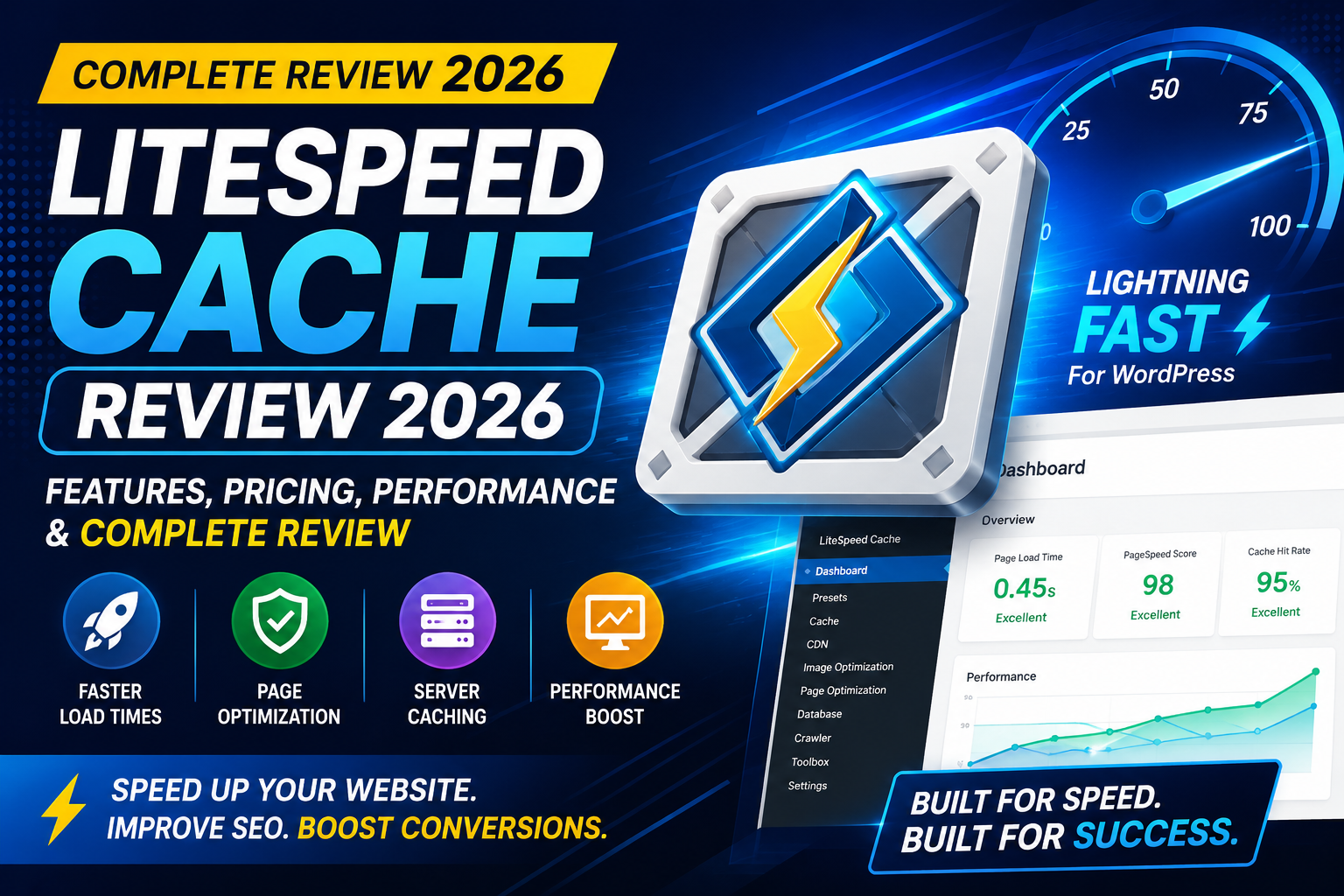
LiteSpeed Cache Review 2026 – Features, Pricing, Performance & Complete Review
Website speed is one of the most important ranking factors for search engines and a major contributor to user experience. A slow-loading website can increase bounce rates, reduce conversions, and negatively impact Core Web Vitals.
Among the many WordPress caching plugins available today, LiteSpeed Cache has become one of the most popular free options. Unlike traditional caching plugins, it works closely with the LiteSpeed Web Server, allowing websites hosted on compatible servers to benefit from powerful server-level caching.
But is LiteSpeed Cache still the best free performance plugin in 2026? In this review, we’ll examine its features, ease of use, performance, pricing model, and whether it’s the right choice for your WordPress website.
What is LiteSpeed Cache?
LiteSpeed Cache (LSCache) is a free all-in-one performance optimization plugin for WordPress. It combines server-level page caching with frontend optimization tools, making it a comprehensive solution for improving website speed.
The plugin includes features such as:
- Full-page caching
- Browser caching
- CSS & JavaScript optimization
- Image optimization
- Lazy loading
- Database optimization
- Object cache support
- CDN integration
- WooCommerce optimization
One of its biggest advantages is that the core plugin is free, making it attractive to bloggers, businesses, and WooCommerce store owners looking to improve performance without paying for a premium caching plugin.
Key Features
1. Server-Level Page Caching
Unlike plugins that rely only on PHP-based caching, LiteSpeed Cache integrates with LiteSpeed Web Server to serve cached pages directly from the server.
Benefits
- Faster page loading
- Lower server resource usage
- Better handling of traffic spikes
- Improved scalability
Note: Full server-level caching works best when your hosting provider uses LiteSpeed Web Server.
2. Browser Caching
The plugin enables browser caching to store static resources on visitors’ devices, reducing repeat downloads and improving load times for returning users.
3. CSS & JavaScript Optimization
LiteSpeed Cache offers several optimization options:
- CSS Minification
- JavaScript Minification
- CSS Combination
- JavaScript Combination
- CSS Delivery Optimization
- Deferred JavaScript Loading
These features help reduce render-blocking resources and improve Core Web Vitals.
4. Image Optimization
Large images are one of the biggest causes of slow websites.
LiteSpeed Cache provides built-in image optimization that can:
- Compress images
- Generate WebP versions
- Optimize image delivery
This helps reduce page size while maintaining good visual quality.
5. Lazy Loading
The plugin supports lazy loading for:
- Images
- iFrames
- Embedded videos
This ensures that media files load only when users scroll near them, improving the initial page load speed.
6. Database Optimization
Over time, WordPress databases collect unnecessary data such as post revisions, spam comments, and expired transients.
LiteSpeed Cache includes tools to clean:
- Post revisions
- Auto drafts
- Spam comments
- Trashed comments
- Expired transients
- Database overhead
Regular cleanup helps keep your website running efficiently.
7. CDN Integration
LiteSpeed Cache supports popular Content Delivery Networks (CDNs), allowing static files to be served from edge locations closer to visitors.
Benefits include:
- Reduced latency
- Faster global page loading
- Better international performance
8. WooCommerce Optimization
WooCommerce websites require special handling because pages like the cart and checkout should not be cached.
LiteSpeed Cache includes WooCommerce-aware caching rules, helping maintain store functionality while improving the speed of cacheable pages.
Performance
LiteSpeed Cache is capable of delivering excellent performance, especially when used on hosting that runs LiteSpeed Web Server.
It can help improve:
- Largest Contentful Paint (LCP)
- Interaction to Next Paint (INP)
- Cumulative Layout Shift (CLS)
- First Contentful Paint (FCP)
However, the actual improvements depend on your hosting, theme, installed plugins, image optimization, and overall website configuration.
Ease of Use
LiteSpeed Cache offers a wide range of optimization features, but this also means it has more settings than many beginner-focused caching plugins.
For experienced users, this flexibility is a major advantage. Beginners, however, may need some time to understand the different optimization options and test them carefully.
Pricing
One of LiteSpeed Cache’s strongest selling points is that the WordPress plugin itself is free.
Some advanced services, such as image optimization quotas or QUIC.cloud CDN usage, may have separate limits or pricing depending on your usage, but the plugin’s core caching and optimization features are available without purchasing a premium license.
Pros & Cons
Pros
- Completely free WordPress caching plugin
- Excellent performance on LiteSpeed servers
- Server-level page caching
- Built-in image optimization and WebP support
- CSS & JavaScript optimization
- Lazy loading for images and iframes
- WooCommerce compatible
- Object Cache support (Redis & Memcached)
- Regular updates and active development
- Supports QUIC.cloud CDN integration
Cons
- Best performance requires a LiteSpeed Web Server
- Large number of settings can overwhelm beginners
- Some advanced optimizations need testing to avoid layout or functionality issues
- QUIC.cloud services may have usage limits depending on your plan
LiteSpeed Cache vs WP Rocket
Both plugins are among the best WordPress performance solutions, but they target different users.
| Feature | LiteSpeed Cache | WP Rocket |
|---|---|---|
| Free Version | ✅ Yes | ❌ No |
| Page Caching | ✅ | ✅ |
| Server-Level Cache | ✅ (LiteSpeed Server) | ❌ |
| Image Optimization | ✅ | ✅ |
| CSS & JS Optimization | ✅ | ✅ |
| Lazy Loading | ✅ | ✅ |
| Database Cleanup | ✅ | ✅ |
| WooCommerce Support | ✅ | ✅ |
| Beginner Friendly | ⭐⭐⭐⭐☆ | ⭐⭐⭐⭐⭐ |
Choose LiteSpeed Cache if:
- Your hosting uses LiteSpeed Web Server.
- You want a powerful free caching plugin.
- You don’t mind spending some time configuring settings.
Choose WP Rocket if:
- You want a simpler setup experience.
- You’re using Apache or NGINX hosting.
- You prefer premium support and polished defaults.
LiteSpeed Cache vs FlyingPress
FlyingPress focuses on simplicity, while LiteSpeed Cache provides more advanced controls.
| Feature | LiteSpeed Cache | FlyingPress |
|---|---|---|
| Free Version | ✅ | ❌ |
| Ease of Setup | ⭐⭐⭐⭐☆ | ⭐⭐⭐⭐⭐ |
| LiteSpeed Server Optimization | ⭐⭐⭐⭐⭐ | ⭐⭐⭐⭐☆ |
| Core Web Vitals | ⭐⭐⭐⭐⭐ | ⭐⭐⭐⭐⭐ |
| Interface | More Advanced | Cleaner & Simpler |
| Best For | LiteSpeed Hosting | Any Hosting Environment |
If your website runs on LiteSpeed hosting, LiteSpeed Cache is often the more cost-effective option. For users on other server types who want an easy premium solution, FlyingPress can be a better fit.
Best Alternatives
WP Rocket
A premium plugin known for its beginner-friendly interface and strong performance.
FlyingPress
A modern performance plugin focused on Core Web Vitals and real-world speed improvements.
Perfmatters
Ideal for disabling unnecessary WordPress features and optimizing scripts.
NitroPack
A cloud-based optimization platform that combines caching, CDN, and image optimization.
W3 Total Cache
A feature-rich free plugin suitable for advanced users who need detailed configuration options.
Frequently Asked Questions
Is LiteSpeed Cache really free?
Yes. The WordPress plugin is free to use. Some optional services, such as QUIC.cloud features, may have separate usage limits or pricing.
Does LiteSpeed Cache work on Apache or NGINX servers?
Yes, many optimization features work on Apache and NGINX. However, server-level page caching is available only when your hosting uses LiteSpeed Web Server.
Is LiteSpeed Cache good for WooCommerce?
Yes. It includes WooCommerce-aware caching rules that help ensure dynamic pages like the cart and checkout function correctly.
Is LiteSpeed Cache beginner-friendly?
It offers many powerful features, but the large number of settings can make it slightly more challenging for beginners compared to some premium plugins.
Can LiteSpeed Cache improve Core Web Vitals?
Yes. Features like CSS optimization, JavaScript optimization, lazy loading, image optimization, and caching can contribute to better Core Web Vitals. Results will depend on your hosting and overall website optimization.
Final Verdict
LiteSpeed Cache remains one of the best free WordPress performance plugins in 2026. When paired with LiteSpeed Web Server, it offers impressive server-level caching and a comprehensive set of optimization tools that rival many premium plugins.
While beginners may find the number of settings intimidating, experienced users will appreciate the level of control it provides. If your hosting already runs LiteSpeed Web Server, LiteSpeed Cache is an excellent first choice before considering paid alternatives.
For websites hosted on Apache or NGINX, premium plugins like WP Rocket or FlyingPress may provide a smoother setup experience, but LiteSpeed Cache still offers valuable optimization features even outside a LiteSpeed environment.
Final Ratings
| Category | Rating |
|---|---|
| Features | ⭐⭐⭐⭐⭐ |
| Performance | ⭐⭐⭐⭐⭐ |
| Ease of Use | ⭐⭐⭐⭐☆ |
| Value for Money | ⭐⭐⭐⭐⭐ |
| Documentation | ⭐⭐⭐⭐☆ |
| Support | ⭐⭐⭐⭐☆ |
| Overall Rating | 9.7/10 |
Internal Linking Suggestions
- WP Rocket Review 2026
- FlyingPress Review 2026
- Perfmatters Review 2026
- Best WordPress Cache Plugins in 2026
- How to Speed Up a WordPress Website
- Core Web Vitals Guide
WPForms Review 2026 – Features, Pricing, Pros & Cons & Complete Review
SEOPress Review 2026 – Features, Pricing, Pros & Cons & Complete Review

All in One SEO Review 2026 – Features, Pricing, Pros & Cons & Complete Review
Yoast SEO Review 2026 – Features, Pricing, Pros & Cons & Complete Review
WPForms Review 2026 – Features, Pricing, Pros & Cons & Complete Review
SEOPress Review 2026 – Features, Pricing, Pros & Cons & Complete Review
All in One SEO Review 2026 – Features, Pricing, Pros & Cons & Complete Review